
Is YouCine Safe and Legal? An Honest Assessment
Is YouCine safe, and is it legal? These are two different questions and they have two different answers. Most pages answering this blur them together and end up saying nothing useful.
Safety is about your device and your data. Legality is about copyright, and it depends almost entirely on what you watch and where you live. Below is a straight answer to both, plus the method to check the file yourself rather than taking anyone’s word for it.
Quick answer
The app itself is not known to be malicious, but it is distributed anonymously with no verified developer, so no source can honestly guarantee any specific file is clean. Verify the SHA-256 hash before installing. Legally, the app is a stream aggregator: watching content the source has no right to distribute is copyright infringement in most countries, including Brazil, the UK, the US and India, regardless of whether you downloaded anything.
Part 1: Is YouCine Safe to Install?
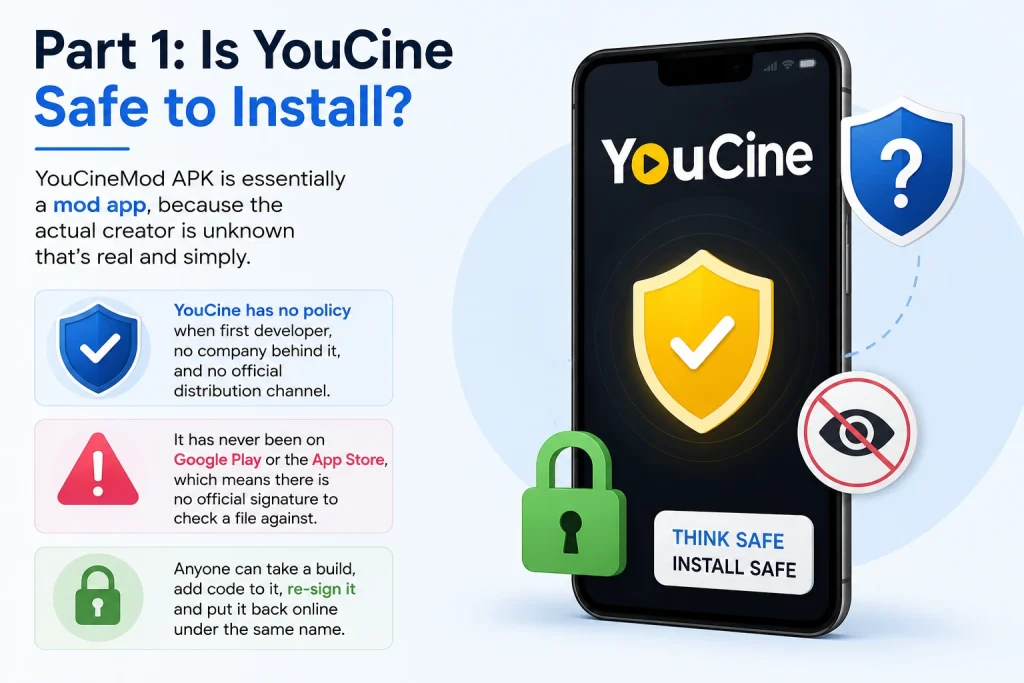
Start with what “safe” can actually mean here, because the honest answer is narrower than most sites imply.
YouCine has no publicly identified developer, no company behind it, and no official distribution channel. It has never been on Google Play or the App Store, which means there is no official signature to check a file against. Anyone can take a build, add code to it, re-sign it and put it back online under the same name.
What this means in practice
Nobody — including us — can tell you that “YouCine is safe”, because there is no single YouCine file. There are many copies circulating across many sites, and they are not all identical.
What can be established is whether one specific file matches one specific known copy. That is a narrower claim and a much more useful one, and it is the only claim anybody in this niche is actually in a position to make.
Why there is no official version to compare against
The Three Real Risks
A tampered file
The main risk, and the only one you can meaningfully control. A repackaged build looks and behaves like the real thing while running additional code. Historically this is how a great deal of Android malware has reached devices — not through novel exploits, but through familiar app names re-uploaded with something added.
The defence is verification, covered below.
Permissions you should not grant
A streaming app needs storage and network access. Nothing else. Builds requesting more than that have been modified, and the permission list is visible before you install.
No update path
Sideloaded apps do not update themselves. If a security issue is found and fixed, nothing tells you and nothing delivers the fix — you keep running the old build indefinitely. This is a slow risk rather than a dramatic one, but it is real and it applies to every APK you install this way.
How to Check a File Yourself
Three steps, about five minutes, and they put you ahead of almost everybody installing these apps.
- Check the SHA-256 hash. A hash is a fingerprint of the exact file. If one byte changes, the hash changes completely. Compare the hash of your downloaded file against the one published next to the download button — if they match, your copy is byte-for-byte identical to the one that was checked. If they do not, delete it.
- Read the VirusTotal result. The scan link should show the date it was run and which engines flagged anything. Understand what this tells you: a clean result means no engine currently detects anything, which is meaningfully better than nothing but is not proof the file is clean. New or targeted code is routinely missed.
- Read the permission prompt before tapping install. Not after. It is the last point at which a modified build announces itself.
Getting the hash — the commands
Windows: certutil -hashfile YouCine-v1.17.6.apk SHA256
Mac: shasum -a 256 YouCine-v1.17.6.apk
Linux: sha256sum YouCine-v1.17.6.apk
Android: any free hash checker app from the Play Store
Compare the result character for character against the published hash. It is tedious and it takes a minute. It is also the single most useful thing you can do before installing anything from outside an app store.
The download page where the current hash is published
Permissions: What Is Normal and What Is Not
|
Permission requested |
Verdict |
Why |
|
Storage / files and media |
Expected |
Offline downloads and cache |
|
Network / internet |
Expected |
Streaming |
|
Contacts |
Red flag |
No streaming function requires this |
|
SMS |
Serious red flag |
Commonly added to intercept verification codes |
|
Camera / microphone |
Red flag |
No legitimate purpose in a streaming app |
|
Accessibility service |
Serious red flag |
Grants near-total control of the device |
|
Device admin |
Serious red flag |
Makes the app difficult to remove |
If the build you have asks for anything in the lower half of that table, uninstall it immediately. It is not the app described here. Whatever else it does, someone has added code to it — and that is the precise risk sideloading carries.
What We Can and Cannot Tell You
An article on this site assessing this app has an obvious conflict of interest. Rather than pretend otherwise, here is the line drawn plainly.
|
We can |
We cannot |
|
Publish the SHA-256 of the exact file we host, so you can confirm yours matches |
Verify it against an official developer signature — there is not one |
|
Publish a dated VirusTotal scan link for that file |
Guarantee it is clean. No scan can do that. |
|
Host the file on our own domain rather than redirecting you elsewhere |
Tell you who wrote the app, because nobody knows |
|
State the real file size, minimum Android version and permissions |
Offer support or updates — neither exists for any sideloaded app |
That is a shorter list of assurances than most sites in this niche offer, because most of what they offer is not true. “100% safe”, “virus free” and “official” are not claims anyone distributing an anonymous APK is in a position to make, and a site making them is telling you something about the site rather than the app.
Part 2: Is It Legal?
This one has a clearer answer than most pages will give you, and the answer is uncomfortable enough that they avoid it.
The app itself
Installing an app is not illegal. Sideloading is a standard Android function and nothing about running the software is unlawful in itself.
What you watch through it
This is where it changes. YouCine does not host video. It aggregates streams from third-party sources. Where those sources carry public-domain or freely-licensed material, watching is entirely lawful.
Where they carry films, series or channels still under copyright, and the source has no right to distribute them, watching that stream is copyright infringement in most countries — including Brazil, the United Kingdom, the United States, Germany, India and South Africa. This holds even though you never downloaded a file. Streaming creates a temporary copy, and most modern copyright frameworks treat that as reproduction.
The distinction people get wrong
Enforcement varies enormously between countries. The law varies far less.
Most jurisdictions concentrate enforcement on distributors — the people running the sources and the sites — rather than individual viewers. Some countries have pursued end users; most have not, because it is expensive and unpopular.
That is a difference in what is likely to happen to you. It is not a difference in whether the act is lawful. Anyone telling you it is “legal because nobody gets prosecuted” is describing enforcement priorities and calling it law.
Brazil specifically
Worth its own note, because a large share of this app’s users are Brazilian. Copyright in Brazil is governed by Lei 9.610/98, and unauthorised reproduction and distribution of protected works is unlawful under it. Brazilian authorities have in recent years run coordinated operations against streaming piracy infrastructure, with the focus on operators and distributors rather than viewers.
If you are in Brazil, the free legal options are genuinely decent — better than in most markets – and worth knowing about.
Does a VPN Change Any of This?
This question gets asked constantly and answered badly, usually by sites earning a commission on the answer. Here is the accurate version.
|
What a VPN does |
What a VPN does not do |
|
Encrypts your traffic, so your internet provider cannot see which sites or streams you are reaching |
Make copyright infringement lawful. The legal status of an act does not change based on who can observe it. |
|
Changes your apparent location, which alters which regional content the app shows you |
Protect you from a malicious APK. Malware runs on your device regardless of how the traffic is routed. |
|
Prevents an ISP from throttling based on traffic type |
Improve streaming. It adds a network hop, which usually makes an already-strained stream buffer more. |
Two practical points on top of that. Free VPNs frequently monetise by logging and selling the traffic they carry, which is worse for your privacy than not using one. And if your regional channels disappear after switching a VPN on, that is the location change doing exactly what it is designed to do — turn it off and they come back.
The short version: a VPN is a privacy tool. It is not a legal shield and it is not a security tool. Deciding whether to use one is a separate question from whether what you are doing is lawful.
Who Should Not Use This App
Being direct, because a page like this owes it.
- Anyone on a work or school device, or a device holding client data. Sideloading an unverified app onto a machine that is not entirely yours is a bad trade regardless of the app.
- Anyone in a household where children use the same device unsupervised. The parental filter depends on third-party sources labelling content correctly, and they frequently do not.
- Anyone who will not check the hash. If verification is not something you are going to do, the main protection available to you goes unused, and a legitimate free service is the better choice.
- Anyone relying on it for something that genuinely matters. It fails most often at peak demand, which is exactly when you want it working.
What to do when it stops working
If You Want the Content Without the Question
There are free, ad-supported, entirely lawful services with real apps on both Play Store and App Store. Smaller catalogues, and everything in them actually plays: Tubi, Pluto TV, Plex, YouTube’s free film catalogue, and in Brazil the Globoplay free tier and Pluto TV Brasil.
They will not match this app’s breadth. They also do not stop working, do not need verifying, and carry none of the above.